


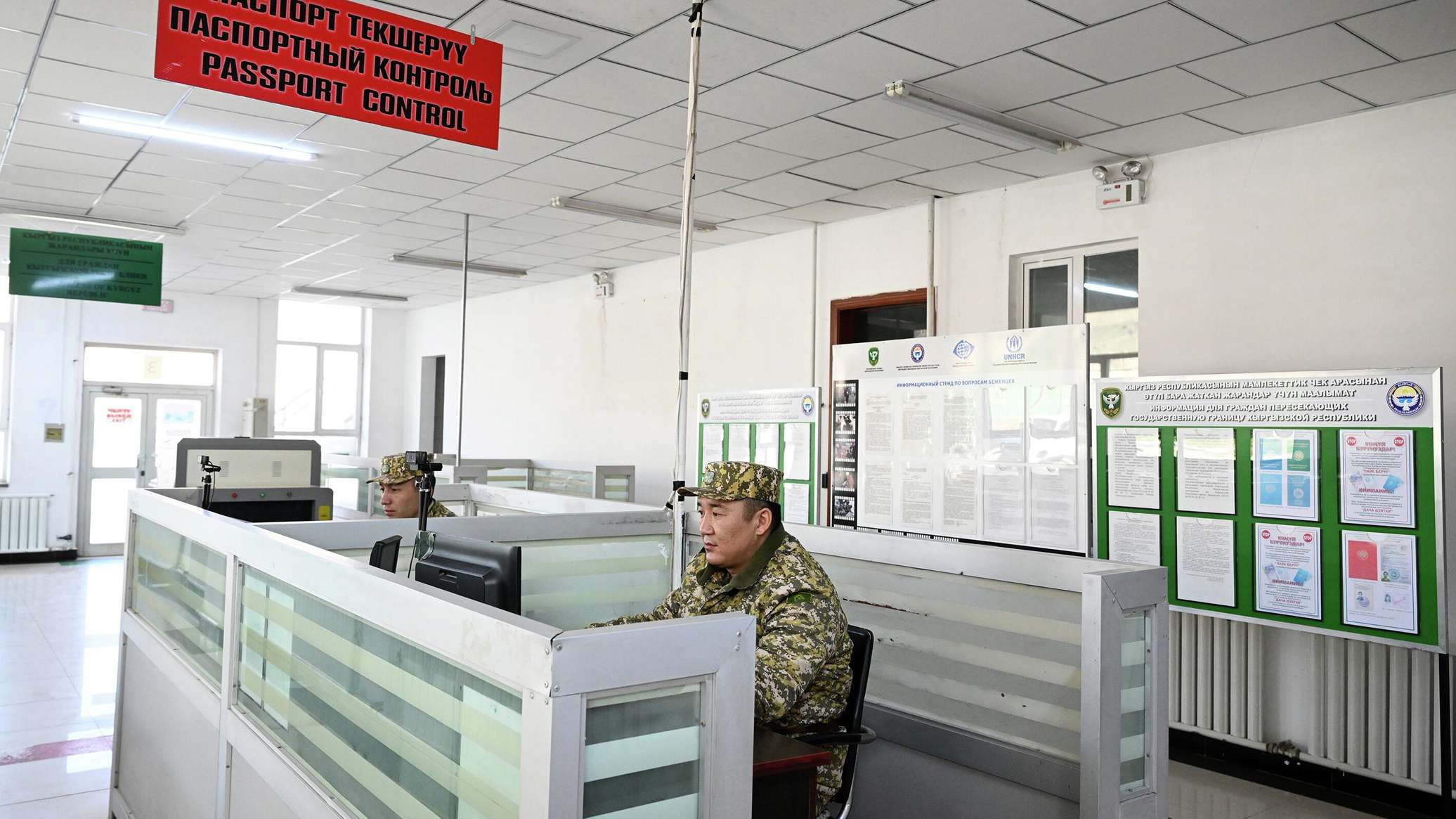
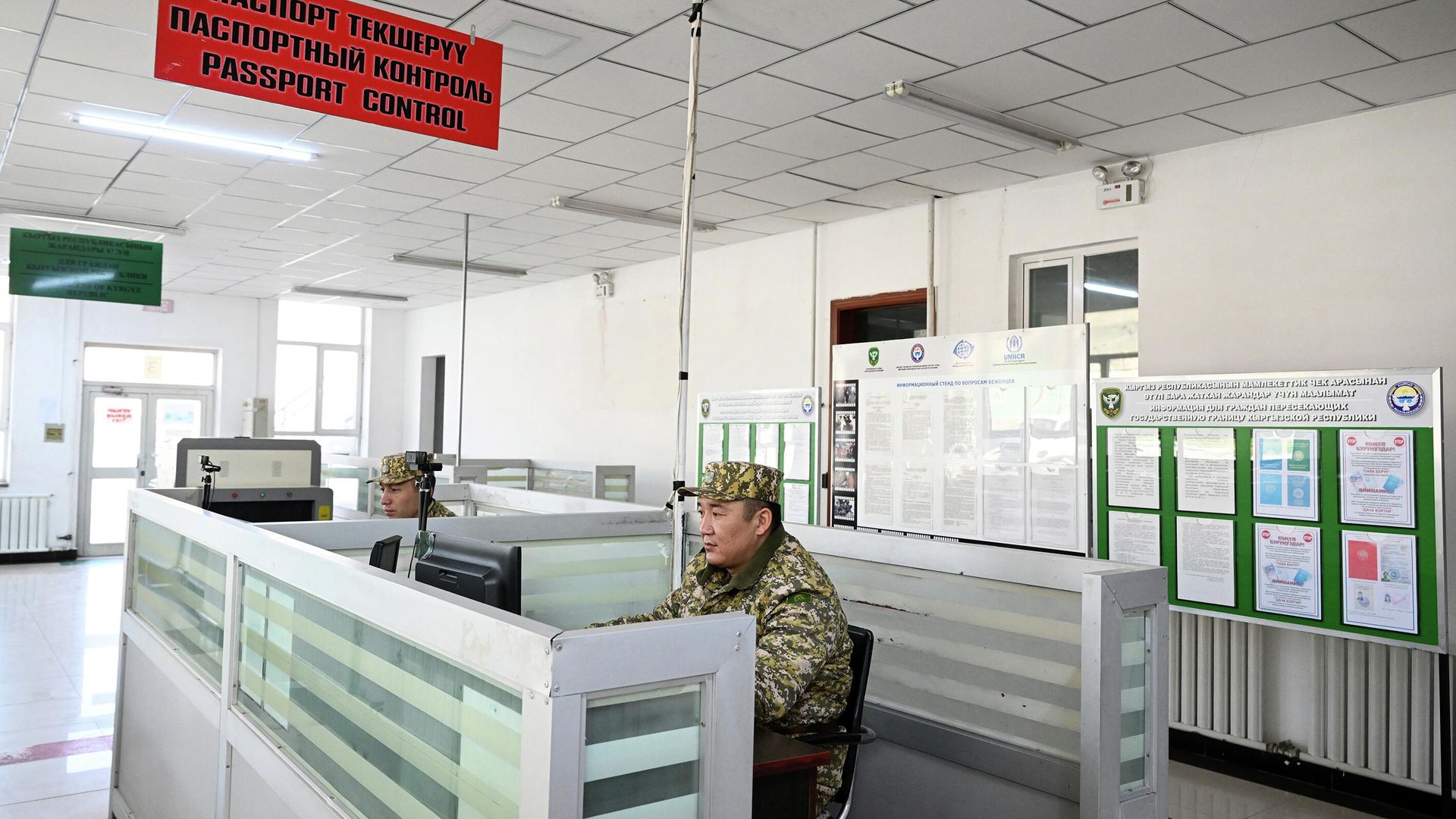

To obtain information regarding exit bans, it is necessary to use the "Digital Border" service. The procedure requires having an account on the portal.
Instructions for checking a ban
To check your exit status, you must go to the "Services" section on the "Digital Border" website and select "Exit Bans." After this, authorization will be required:
- Log in to the system
- Kyrgyzstani citizens must enter their personal identification number (PIN) and password
- If you do not have an account, you must complete the registration procedure
Registration via smartphone
The account creation process involves identity verification. To do this, you need to open the service on a smartphone and use the "Scan Face" function. After granting camera access and following the system prompts, registration will be completed.
Actions to take if restrictions are discovered
If the system records a ban, it is important to identify the agency that imposed the restriction. In the case of enforcement proceedings, you must request a copy of the decree from the bailiff. If the decision was made by another agency, the status should be clarified directly with them.
If the service does not show a ban but a citizen has doubts, it is recommended to contact the agency that issued the decision. Restrictions may be related, among other things, to probation supervision following a court sentence.